
October 2, 2026
Try on clothes with your photo: ChatGPT shows you wearing your chosen item
Virtual try-on works in a regular chat: upload a selfie to see yourself wearing clothes and accessories.
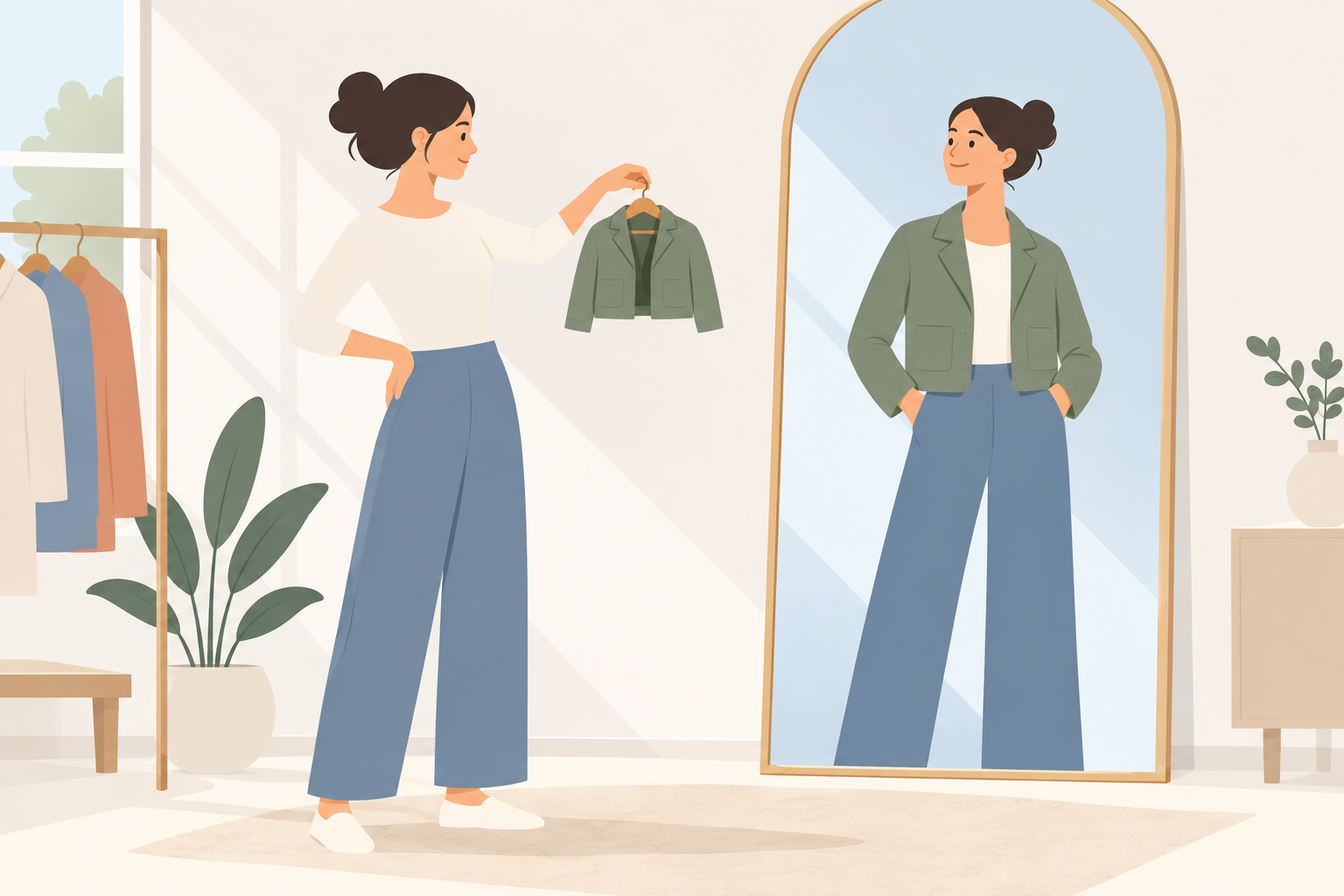

On Oct 1, OpenAI began the global rollout of 2 shopping features: virtual try-on and saving products to Favorites.
ChatGPT now generates an image of you wearing the selected item. Try-on and Favorites are available on the web and mobile devices.
Try on with a selfie. Tap Try on in a clothing or accessory card, then take or upload a selfie. ChatGPT Images will generate an image, which does not guarantee sizing or fit. You can also skip the product card: upload a photo of the item directly into the conversation and ask to see it on you.
Saving products. Tap the bookmark icon to add an item to Favorites. Saved products and folders are available in ChatGPT Library.
Your try-on photo is saved for reuse. Before buying, OpenAI recommends checking the seller's measurements and return policy.
You can replace or delete your try-on photo in Settings → Personalization → Reference photos.
