From a tweet@danshipper09/30
You can leave an agent working in ChatGPT: Dots do not need an open laptop
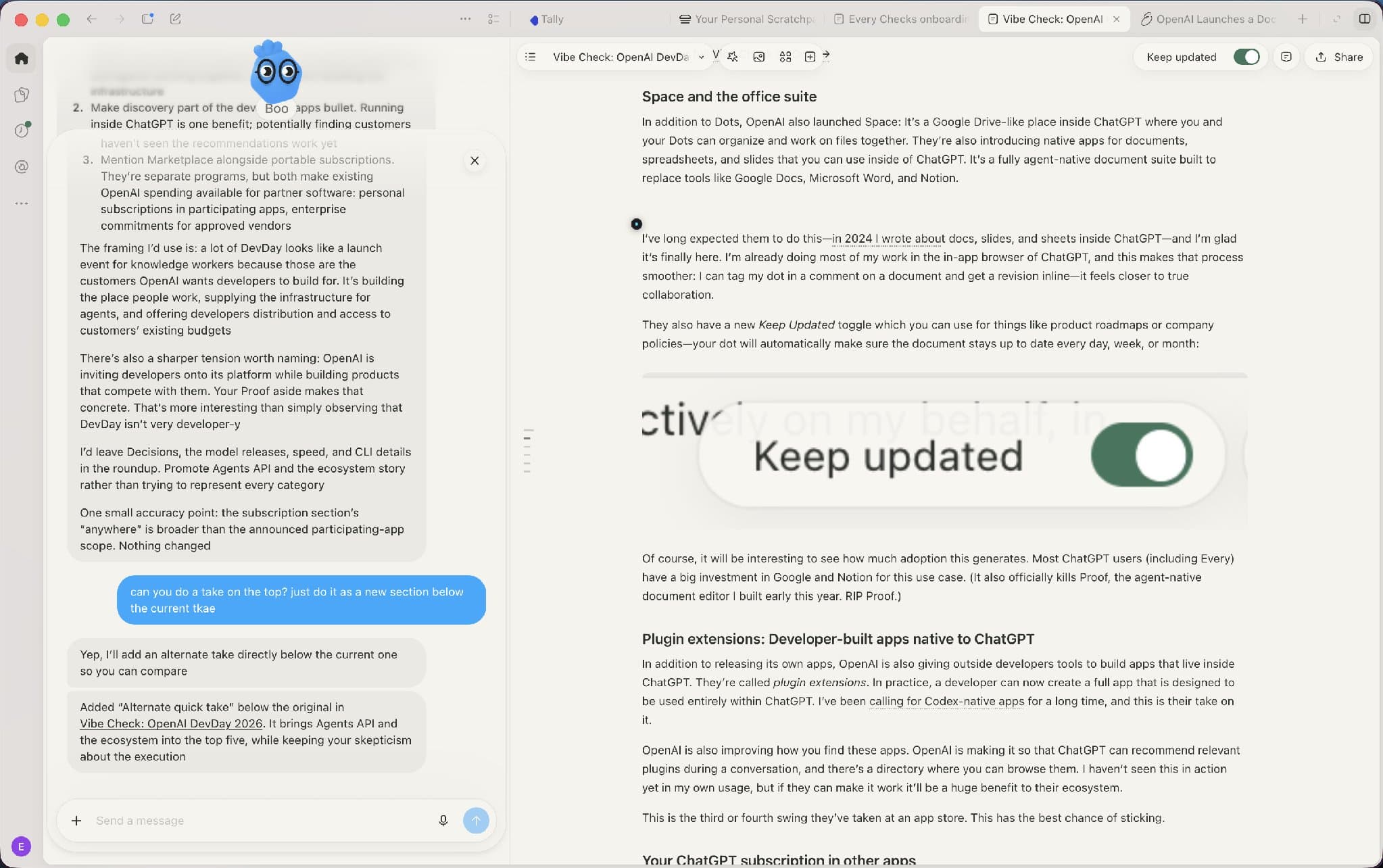
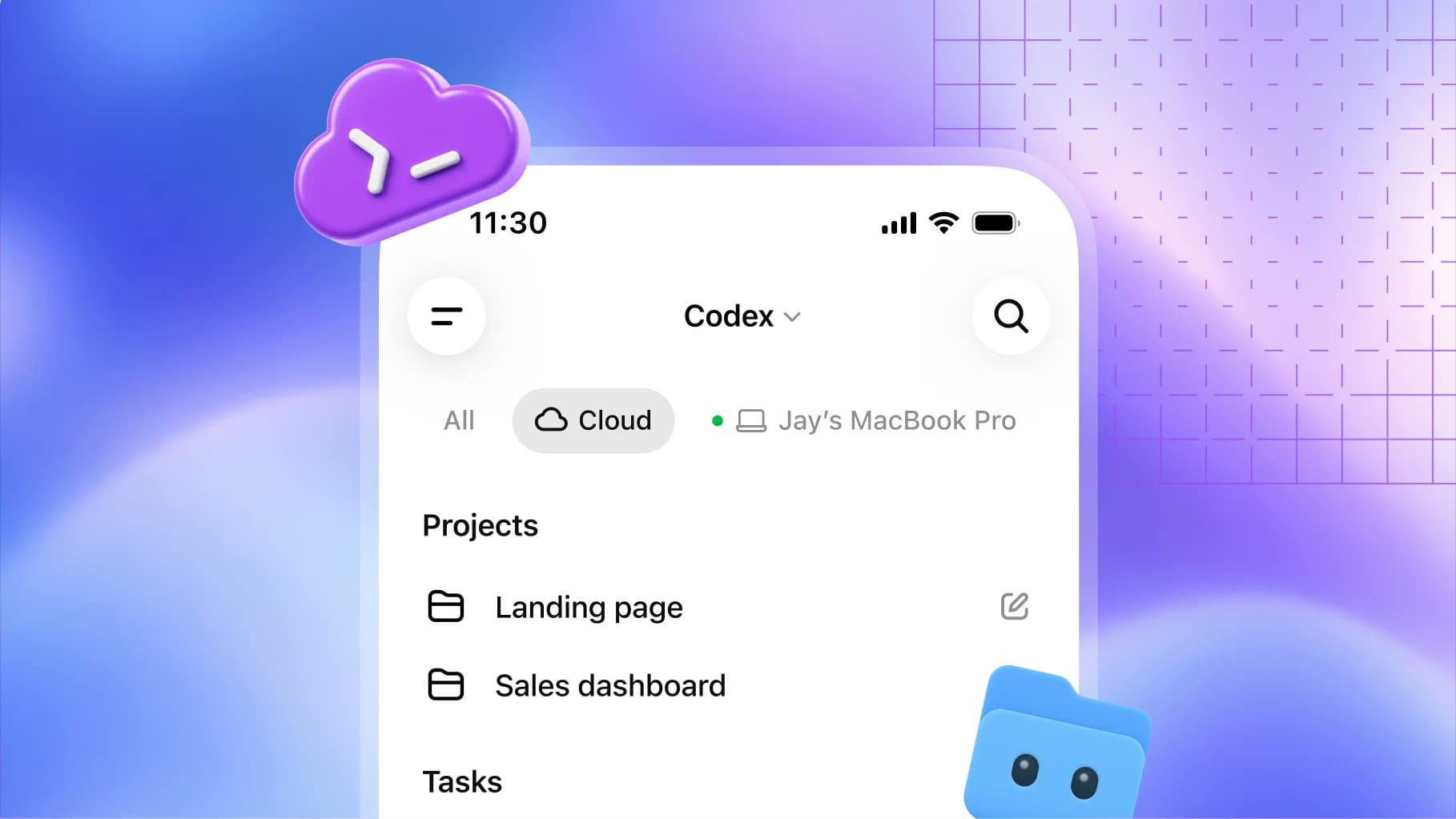
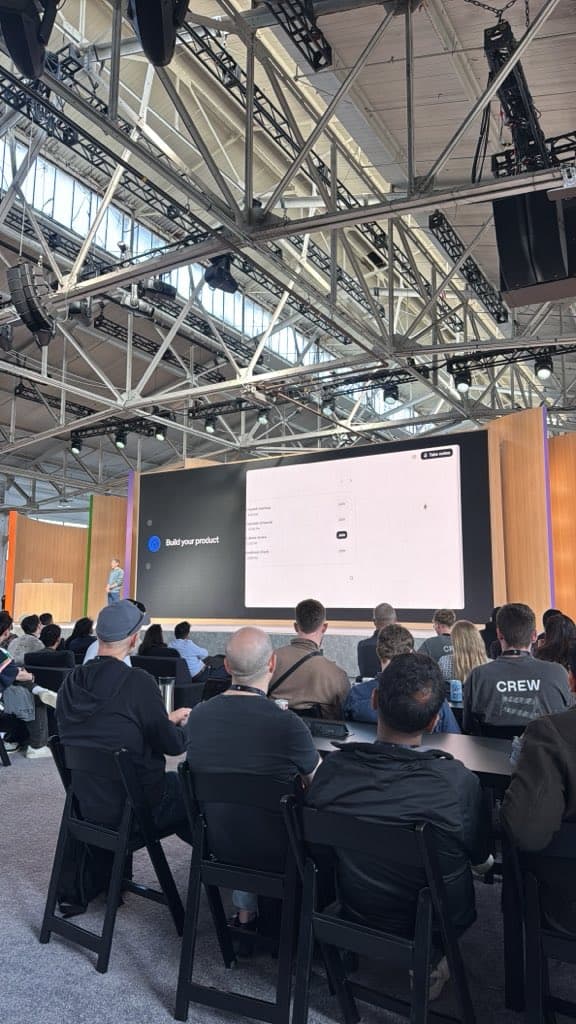
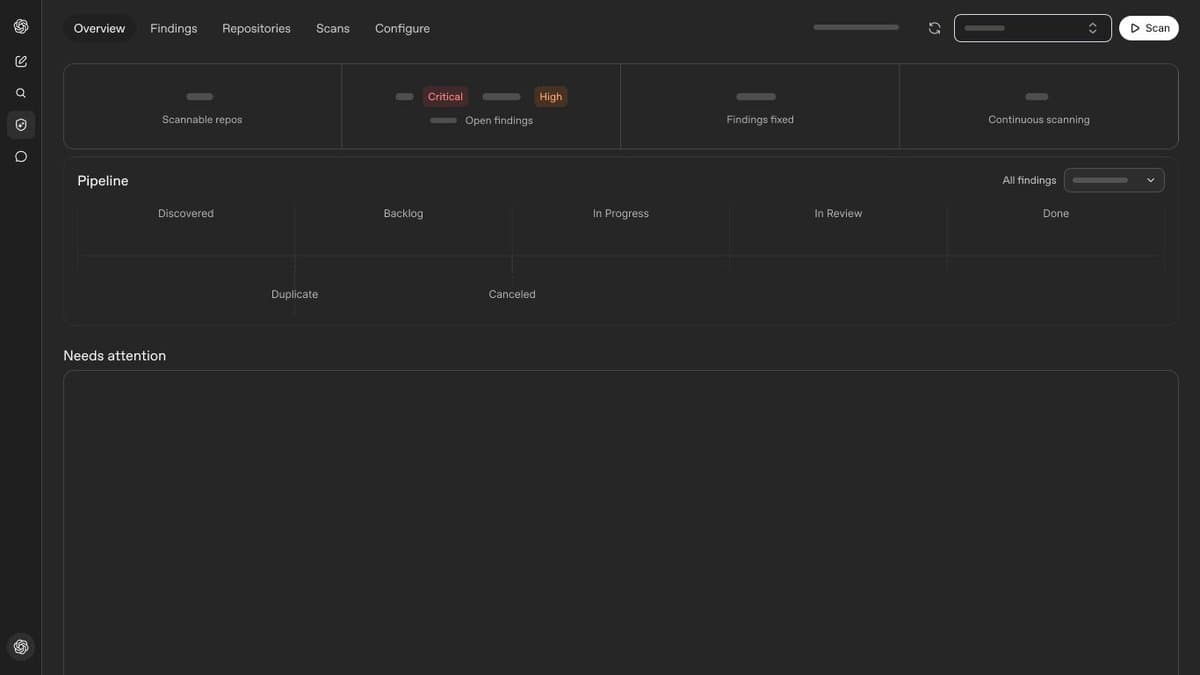
«BREAKING: OpenAI just announced Dots: persistent agents in ChatGPT. I have been testing them at @every for the past few days. Here is a quick vibe check: What to know: - If you have used OpenClaw, Muse, Instinct, or Grok Bots, much of this will feel familiar. - Your Dot will live in ChatGPT's updated sidebar, right below the New chat button. - It has its own cloud computer: it works while your laptop is closed. You can message or call it at any time. Vibe check: good When everything works, Dot changes how I use ChatGPT. I talk to Boo, the name of my Dot, while Boo manages conversations in ChatGPT, reads my email, uses Slack, and does other things. It filters incoming Slack requests and emails itself, so I can quickly handle what matters without opening my inbox. When I rescheduled a flight, Boo warned me that the new time overlapped with a meeting request in Slack that I had not read yet. Here is the promise: a persistent agent in one long-running conversation filters what needs my attention on its own and acts on my behalf. Vibe check: bad The version I tested over the past few days was buggy and lacked expected capabilities, such as iMessage support. I often ran into permission issues and disappearing messages. Dot could not connect to its own built-in browser. Verdict During testing, I reached for Dot more often than I opened a new conversation in Codex, so the habit has already formed despite the frustration. The team fixed bugs quickly during the test, so I expect most of these small issues to be smoothed out in the coming days and weeks. If you do not like rough-edged new products, I would wait a week or two. OpenAI will have time to remove many of those rough edges. If you are already deeply invested in Grok Bots, Muse, or Instinct, there is no reason to switch urgently unless you are a heavy ChatGPT or Codex user. Follow the live feed at @every: https://every.to/live/openai-devday-2026»
Dan Shipper
 From a tweet@danshipper09/30
You can leave an agent working in ChatGPT: Dots do not need an open laptop
«BREAKING: OpenAI just announced Dots: persistent agents in ChatGPT. I have been testing them at @every for the past few days. Here is a quick vibe check: What to know: - If you have used OpenClaw, Muse, Instinct, or Grok Bots, much of this will feel familiar. - Your Dot will live in ChatGPT's updated sidebar, right below the New chat button. - It has its own cloud computer: it works while your laptop is closed. You can message or call it at any time. Vibe check: good When everything works, Dot changes how I use ChatGPT. I talk to Boo, the name of my Dot, while Boo manages conversations in ChatGPT, reads my email, uses Slack, and does other things. It filters incoming Slack requests and emails itself, so I can quickly handle what matters without opening my inbox. When I rescheduled a flight, Boo warned me that the new time overlapped with a meeting request in Slack that I had not read yet. Here is the promise: a persistent agent in one long-running conversation filters what needs my attention on its own and acts on my behalf. Vibe check: bad The version I tested over the past few days was buggy and lacked expected capabilities, such as iMessage support. I often ran into permission issues and disappearing messages. Dot could not connect to its own built-in browser. Verdict During testing, I reached for Dot more often than I opened a new conversation in Codex, so the habit has already formed despite the frustration. The team fixed bugs quickly during the test, so I expect most of these small issues to be smoothed out in the coming days and weeks. If you do not like rough-edged new products, I would wait a week or two. OpenAI will have time to remove many of those rough edges. If you are already deeply invested in Grok Bots, Muse, or Instinct, there is no reason to switch urgently unless you are a heavy ChatGPT or Codex user. Follow the live feed at @every: https://every.to/live/openai-devday-2026»
Dan Shipper